This past week’s project is overdue as concerns posting about it. On December 4, 2010, I participated in the Ann Arbor area’s Help-Portrait event. It’s hard to post much about an event like this, as it’s quite personal and part of the ideals include not sharing images produced. Even posting about it has been delayed due to needing a chance to think through how to share about it.
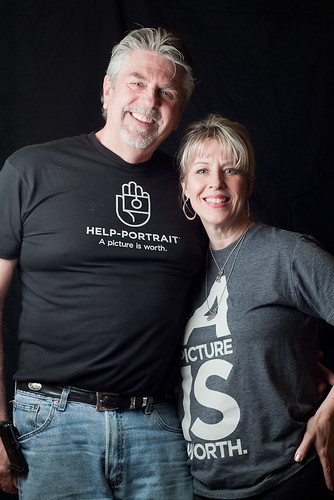
I was part of an amazing team. Here are a couple photos of our crew:
Rod and Jill Love are a husband-wife team. Jill was the main organizer behind the event, and Rod gave a ton of help the day of the event.
Chris Clements is a super talented photographer from Ann Arbor. We shared lots of talk and enthusiasm about all areas of photography, from lighting gear and techniques to processing styles and more.
In the end, I simply ask that you check out the Help-Portrait site and consider what you could do to help someone else out, whether it’s through your art or something else.
This week’s project was pretty straightforward. I’ve been interested in trying out Adobe Lightroom 3 for a while, and this week I downloaded and installed the free 30-day trial in order to put it through its paces and try it out.
I have been using iPhoto for many, many years as my photo library software, and overall I’m quite pleased with it. However, as I continue to build up my library of photos, iPhoto becomes a less viable option. In large part, this is because all your photos have to be saved on your computer’s internal drive – there’s no way to have part of your library on your internal drive and part of it on an external hard drive. Because I use a laptop, this means I’m perpetually crunched for drive space since my photo library is at least 100GB by itself, not to mention my music and video work.
One thing that became immediately apparent upon installing Lightroom 3 is that I would have to spend some time getting used to its paradigm. The interface is somewhat familiar since I use Photoshop CS3, but there’s a lot that’s different. However, I started to dive in and figure it out.
I quickly began to enjoy the way that I was able to unearth old photos that I’d taken but never seriously considered as usable before – the cataloging features of Lightroom really shine. I’m still getting used to the editing controls, but the ability to quickly switch from Lightroom into Photoshop CS3 and have edits in Photoshop automatically show up in a new version in Lightroom is pretty great. The ability to export with a watermark automatically added is also wonderful – saves some tedious work in Photoshop.
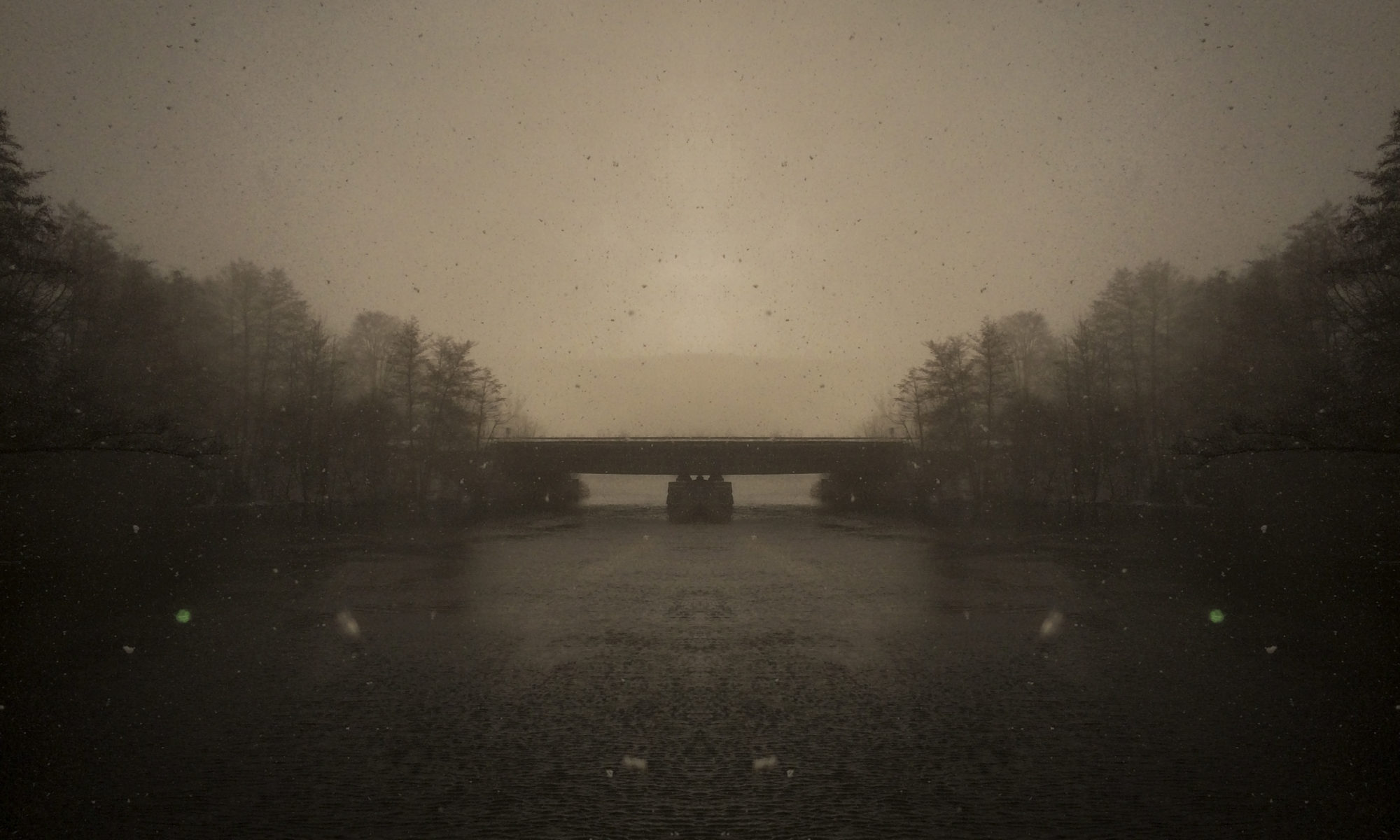
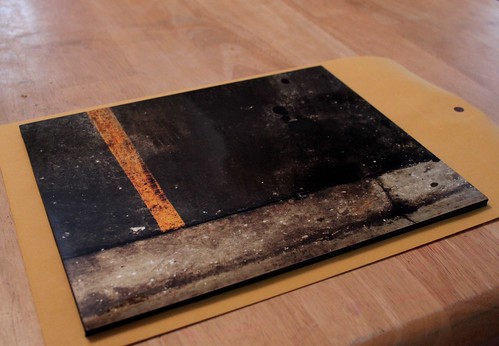
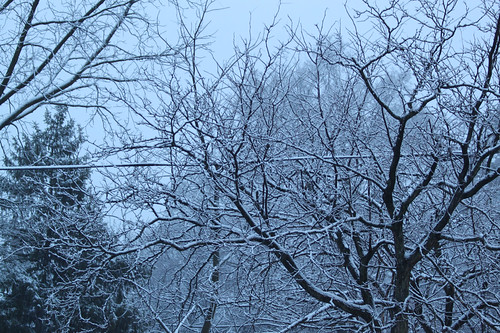
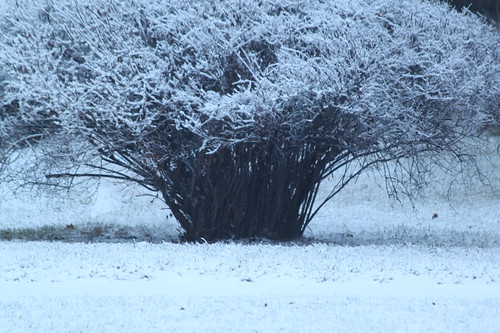
To finish it off, here’s a new background image I made with a photo I shot last winter. The cropping, toning, and watermarking with the chromedecay logo were all done in Lightroom 3. Click below for the full size (1280 x 800) on Flickr.
I’ve used many tools and made lots of music over the years. This week’s project was a chance to merge the old and the new. One of my first “big” pieces of music was a piece entitled “harmonic study 1.3″, which was the B side of my City Centre Offices 7″ release “Tones (for Sarah)”. I made harmonic study 1.3 using a PC with AudioMulch software, and its 10 harmonics device.
This week I decided to play around again with the idea of a purely harmonics-based piece, using the iPad and TouchOSC to create a custom control interface that would let me play the piece like an instrument. Audio and video below:
For this week’s project, I wanted to pull out a creative tool I haven’t used in a few years: my Lomo Fisheye film camera. I decided to make this week’s project about the juxtaposition of shooting film and digital to capture the autumn colors and mood. My goal was to shoot all week, with both film and digital, and I think these images get across the feel of autumn in Michigan.
Using the Lomo Fisheye was interesting. I have to confess, I have a like-hate relationship with film, which is why I haven’t shot any in a few years. I like the tactile feeling of holding a print, and there’s still nothing quite like getting an envelope of prints back from the developer, but the lack of instant feedback and high cost of getting film developed keeps me from loving it.
The Lomo Fisheye is especially quirky, since it’s literally point and shoot – fixed focus, fixed shutter speed (around 1/100th second, from what I’ve read), fixed aperture. I shot everything on Kodak Portra 400, which is a good fit since a lot of the days were cloudy (the 400-speed film helps with that).
Along with the fisheye, I also shot lots of digital images, with a variety of lenses. Here are a few with the Canon 50mm f/1.8:
I also shot a few photos with the Canon 70-300 IS USM in order to zoom in tight or isolate individual leaves against the blue sky from Monday:
A lot of the photos I shot with the Lomo Fisheye were done in the car, driving from place to place.
This morning, the last day of the project, I decided to make a couple long exposures in the early morning light as my car warmed up in the dark.
It’s funny – the last few frames I made with the fisheye ended up being strong favorites, even when I felt like I was out of time and just trying to use up the last of the film in order to get it processed.
This week’s project is the rough sketch of a new piano piece I’m working on. I came up with it on Tuesday evening and ran a quick video to capture the idea.
I recorded a cleaner version with a condensor mic this morning, but it’s really just rough material still that needs to be composed and edited, so the rough sketch will suffice for now.
This piece was inspired by the autumn season. I captured a nice photo the other day of beautiful orange-gold autumn colors that were interrupted by a short, gentle rain. All this while the sun was still shining…it was a beautiful scene that lasted only a few minutes before the rain was gone and the colors changed.
I realized something partway through last week’s project with the Bliptronic 5000. One of the things that makes the Bliptronic such a fun musical toy is the fact that you can take it everywhere, thanks to its built-in speaker. Within a few days of having it, I’d used it in my studio, in the living room sitting on the piano, and in the dining room while playing guitar. Therefore, I decided to make week 43′s project a video that showed me using the Bliptronic throughout the day in the normal places I go.
I started out on a beautiful, crisp autumn morning, with just the Bliptronic and a bench.
During my late-morning coffee break, I set up the Bliptronic on my desk and played for a few minutes.
Later in the day, I retreated to a great space in the school I work at to play for a few more minutes. Since my school used to provide a full range of services, including hearing tests, there are a pair of soundproof rooms, complete with ancient hearing test equipment!
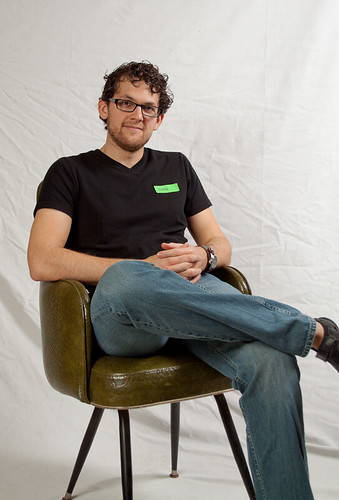
After band rehearsal at church, I snuck in a few minute of playing volume-pedal guitar along with the Bliptronic.
I pulled over at a gas station on my way home and rolled down the window to get some night ambience along with the Bliptronic’s tones.
Upon arriving home, I propped the Bliptronic up on our piano and accompanied it with some dark minor-key chords.
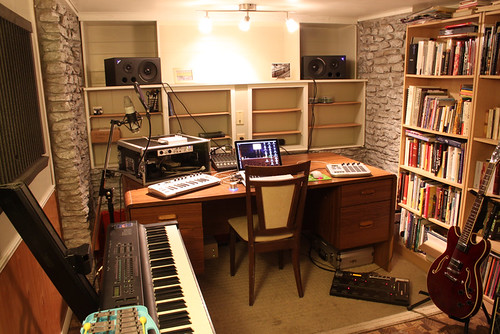
I ended up in my studio, where I brought things to a close. This was a really fun video, made possibly by Kent Kingery’s generous donation of a Bliptronic 5000. Thanks again, Kent!
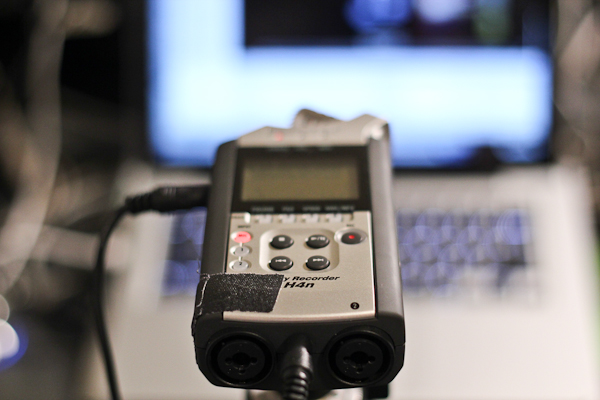
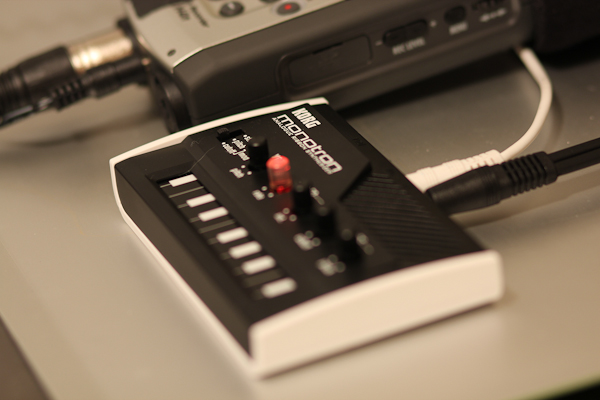
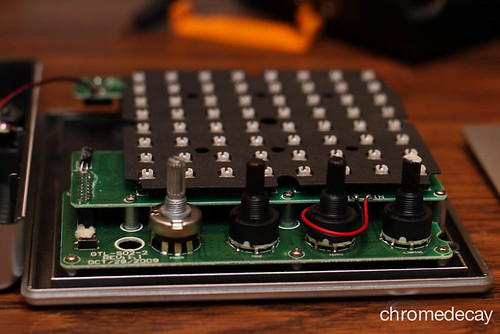
Last week, my good friend Kent Kingery blew me away by sending me a Bliptronic 5000, which is an incredibly fun little synthesizer+sequencer. This week’s project is an exploration of this great little box.
For starters, here’s a quick proof-of-concept track I made with the Bliptronic.
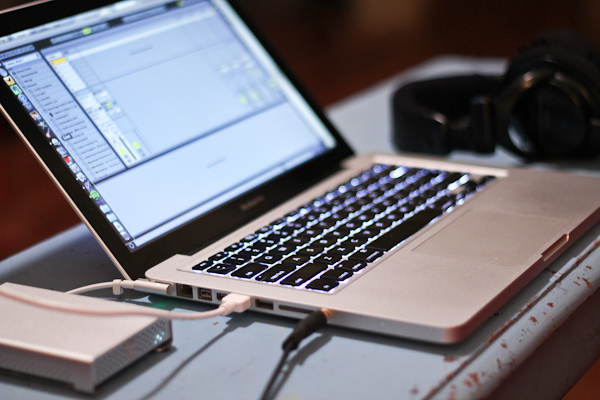
To make this, I ran the Bliptronic into Ableton Live, recorded a loop, and then processed that loop in a couple different ways and added some simple drum programming. For example, the bassy part is actually the same loop sent through one of Michael Norris’s excellent SoundMagic Spectral Plugins.
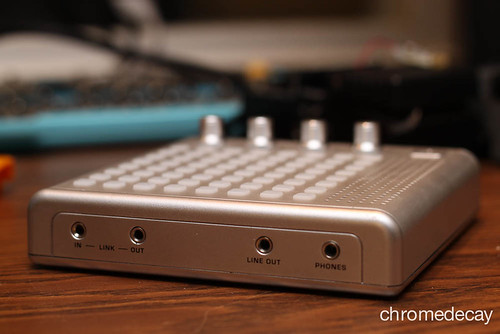
Here are some photos of the Bliptronic arriving and getting put into action. I was surprised at first by just how small it is – even in its box it was only 8 inches square, and the actual machine is smaller than that – maybe 6 inches square!
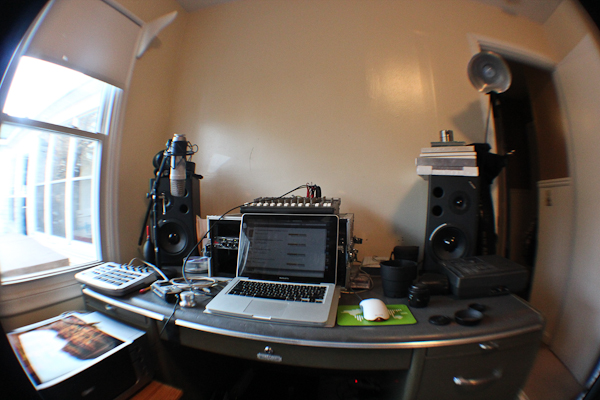
I started out by just using the internal speaker (a nice touch – lets you use it anywhere!) and then ended up plugging it straight into the mixer so I could hear it through my studio monitors.
Blinky lights!
Before long, I started itching for ways to process it and expand its tonal capabilities. It has 8 built-in sounds, and lets you sequence 8 notes in the key of C major across 8 steps. The limitations of this are actually quite good in many ways, but I wanted to see what I could do with some processing.
I ended up running it into Ableton Live and building a couple of Effects Racks to process the sound. I recorded the audio output of the Bliptronic into Live, then started playing with ways to filter, delay, and otherwise mangle the sounds. It was great fun!
For this week’s project, I drove up to Holland, MI to shoot promotional and live concert photographs of The Press Delete, a great band that my cousin Jamie Pierce plays in.
The Press Delete were playing a show at the Park Theater in Holland, and we intended to shoot some promotional photos they could use for the band, as well as live photos of their set. The theater had some interesting armchairs that were pressed into service for a quick pre-show shot:
The band’s live set was great – they sing mellow, introspective songs that have great layers and atmosphere.
This week’s project is a set of downloadable wallpaper, sized for desktop computers, iPad, and iPhone. All feature photography by Bill Van Loo, with post-processing and formatting by fellow chromedecay artist Joshua Schnable.
A few months ago, Joshua Schnable hipped me to fiftyfootshadows, a site featuring beautiful atmospheric photography offered as downloadable wallpaper. I’ve been enjoying the wallpapers for a while, and was inspired to create some of my own for chromedecay. I shot most of these images on Tuesday and Wednesday of this week.
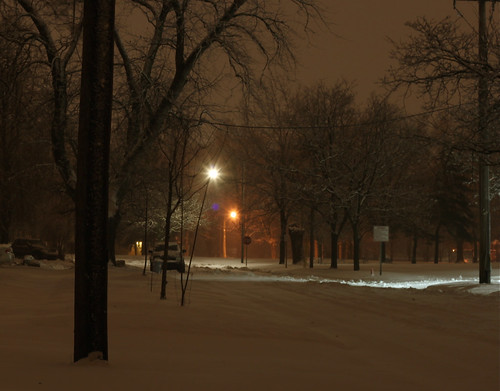
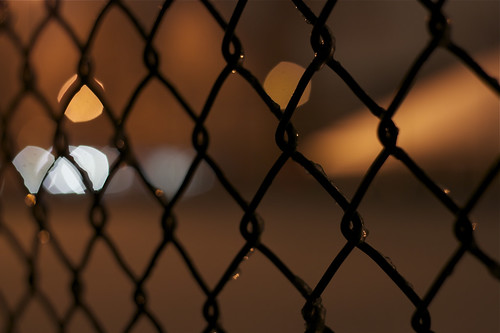
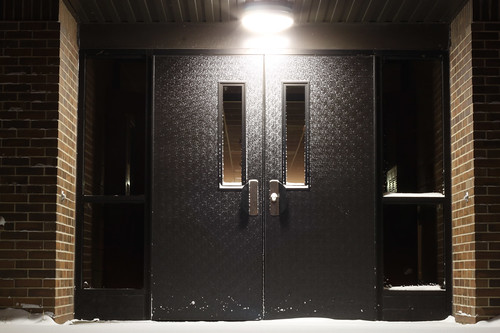
Shooting photos for this project really made me think about what makes a good background image – it has to be visually appealing, but ultimately can’t have too much detail or activity or else the icons get lost against it. I decided on heavily textured, dark images for most of the set.
This was one of the first shots I took on Tuesday evening that I felt really captured what I was going for:
This is another shot from Tuesday:
The photo below was actually the last photo I shot on Wednesday evening. It’s the wall of a gas station around the corner of my house. I love the stark simplicity of it – the light above the air compressor acts as a spotlight for it, and I smile every time I see it.
Finally, this last image came from photos I shot this summer (part of 27/52, “vacation colors“).
Many thanks to Joshua Schnable for taking my photographs and post-processing, editing and formatting them for the different wallpaper sizes!